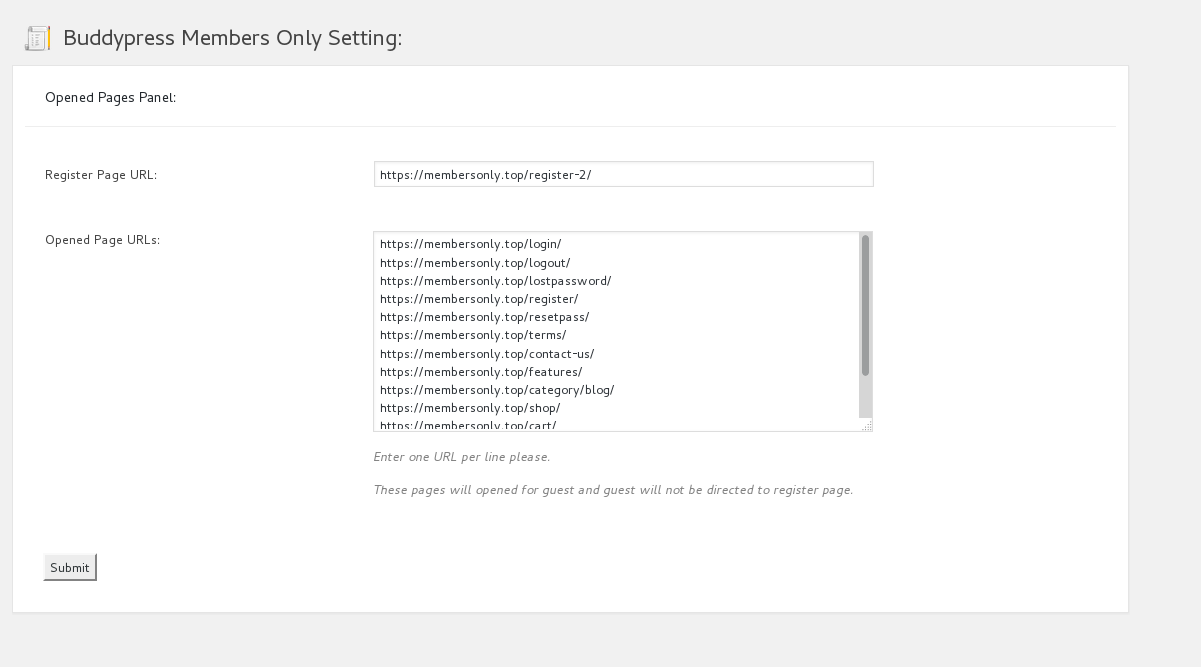
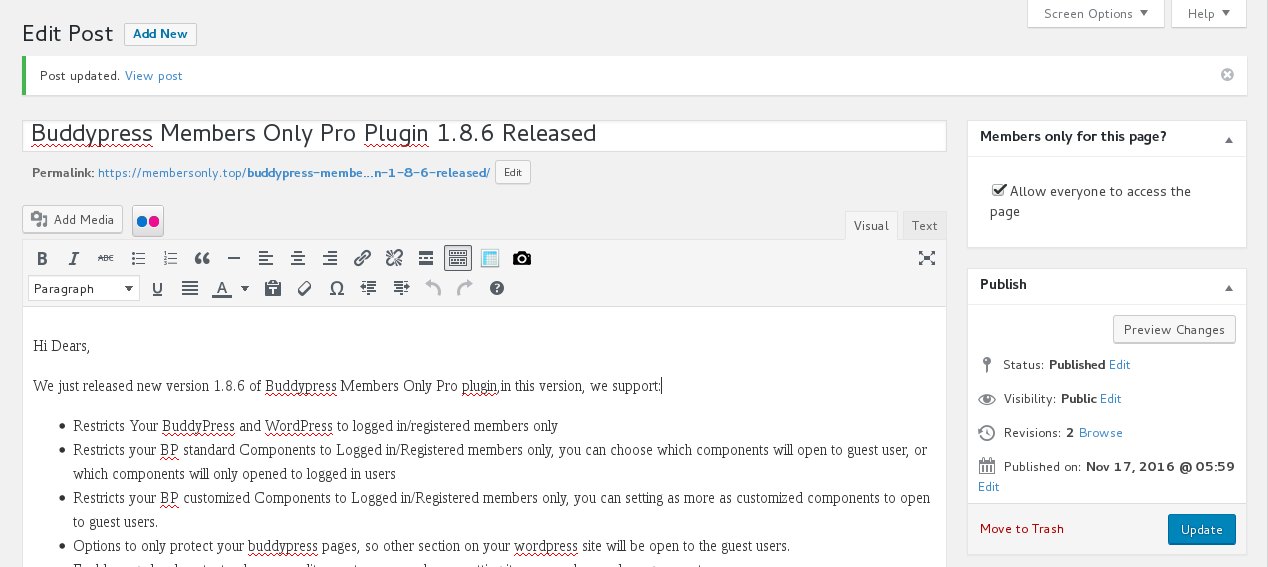
You can choose which components will open to guest user, or which components will only opened to logged in users.
I have setting our BP members only plugin to allow buddypress groups component / page open to non members users, you can check our group at here.
Also as a non member users, you will find the activity component is not opened, but once you logged in, you will find you can open / post on the page.
It is very easy to use this functionality, In admin area, in “BP Components” option panel, you will find we have listed all buddypress standard buddypress components in a checkbox list, you can choose which components will open to guest user, or which components will only opened to logged in users, just a little mouse clicks, you can checked any buddypress standard components to open to non member users, and disallow non member users to touch other buddypress standard component, when non member users try to open any pages related with protected buddypress standard components, they will be redirected to redirect page which you setting in admin area, for example, you can setting non member users be redirect to your register page or your members payment page.
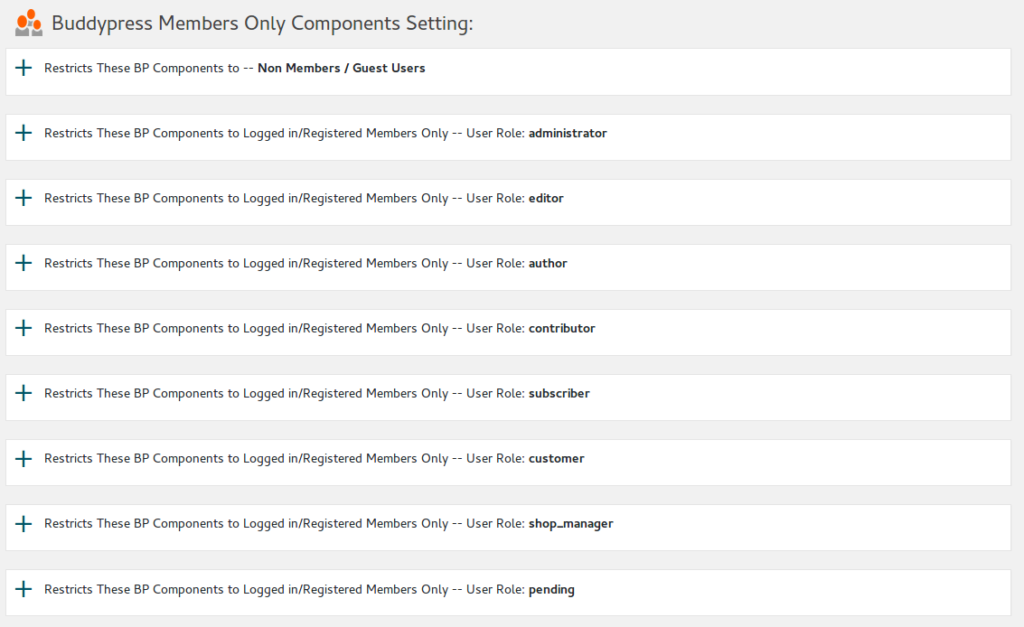
For example, you can open Buddypress Members Component / pages to non member users, but if they want to click members profile pages, they will be redirect your register page or payment page, or you can hidden your Buddypress Activity pages, so all of your buddypress activities can only be opened after they register and logged in your site.
Or you can open Buddypress Forums Component / Pages to non member users, but when non member users try to open pages related with Buddypress Groups Component, they will be redirected to the redirect page which you setting in admin area.. and so on, infinite possibilities.