
Hi Dear BuddyPress Membership Plugin Users,
We just released buddypress membership plugin 4.4.4, in this version, based on users’ suggestion of buddypress membership plugin, we added How to Use BuddyPress Membership Plugin Knowledge Base menu item in back end.
Please:
1: Download buddyrpess membership plugin from your “my account” page in buddypress membership plugin site.
2: Login wordpress admin area
3: Deactivate old buddypress membership plugin in your wordpress PLUGIN panel
4: Delete old buddypress membership plugin
5: Upload the plugin zip file
6: Activate the new buddypress membership plugin
7: In “How To Use BuddyPress Members Only” panel, you will find how to use buddypress memebrship plugin knowledge base:
How to Install BuddyPress Members Only
What is the Function of BuddyPress Members Only
How BuddyPress Members Only Works?
BuddyPress Members Only Plugin Settings
How to Get Support From Our Official Site: membersonly.top
It looks like this:
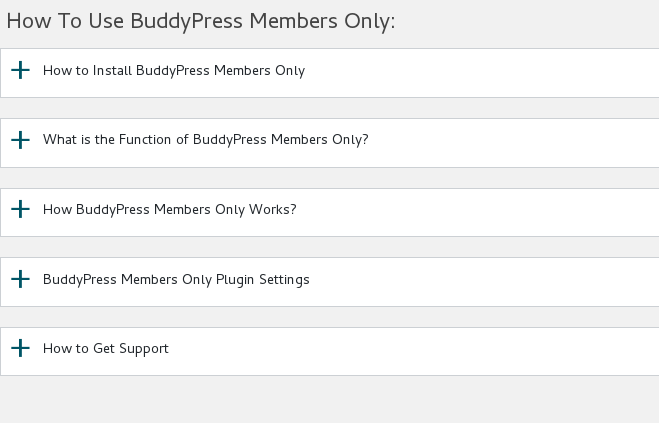
buddypress membership plugin knowledge base
Thanks for the give us the rare suggestions of buddypress membership plugin, if you have any more feature request about our buddypress plugin, please don’t hesitate to tell us, we are happy to realize it for you 🙂
Thanks, have a blessed day with your family 🙂
Best Regards,
BuddyPress Membership Plugin Support Team


Leave a Reply
You must be logged in to post a comment.